
Stream setup
Whatnot stream setup
Looking pro on Whatnot is a design problem as much as a cable problem. We build the graphics layer for a 1080 x 1920 OBS stack so your cam, card, and board share one system. Official OBS connect steps stay on Whatnot Help. We own the look.
- Sellers moving from phone-only to OBS for custom graphics
- Rooms whose Twitch layout still peeks through on vertical
- Anyone who wants starting, live, BRB, and ending to feel like one show
- Scene list guidance: starting, live, BRB, ending
- Overlay and board placement that protects the card
- Notes on widgets vs brand kit (they can sit together)
- Handoff files ready to drop as Image or Browser Source
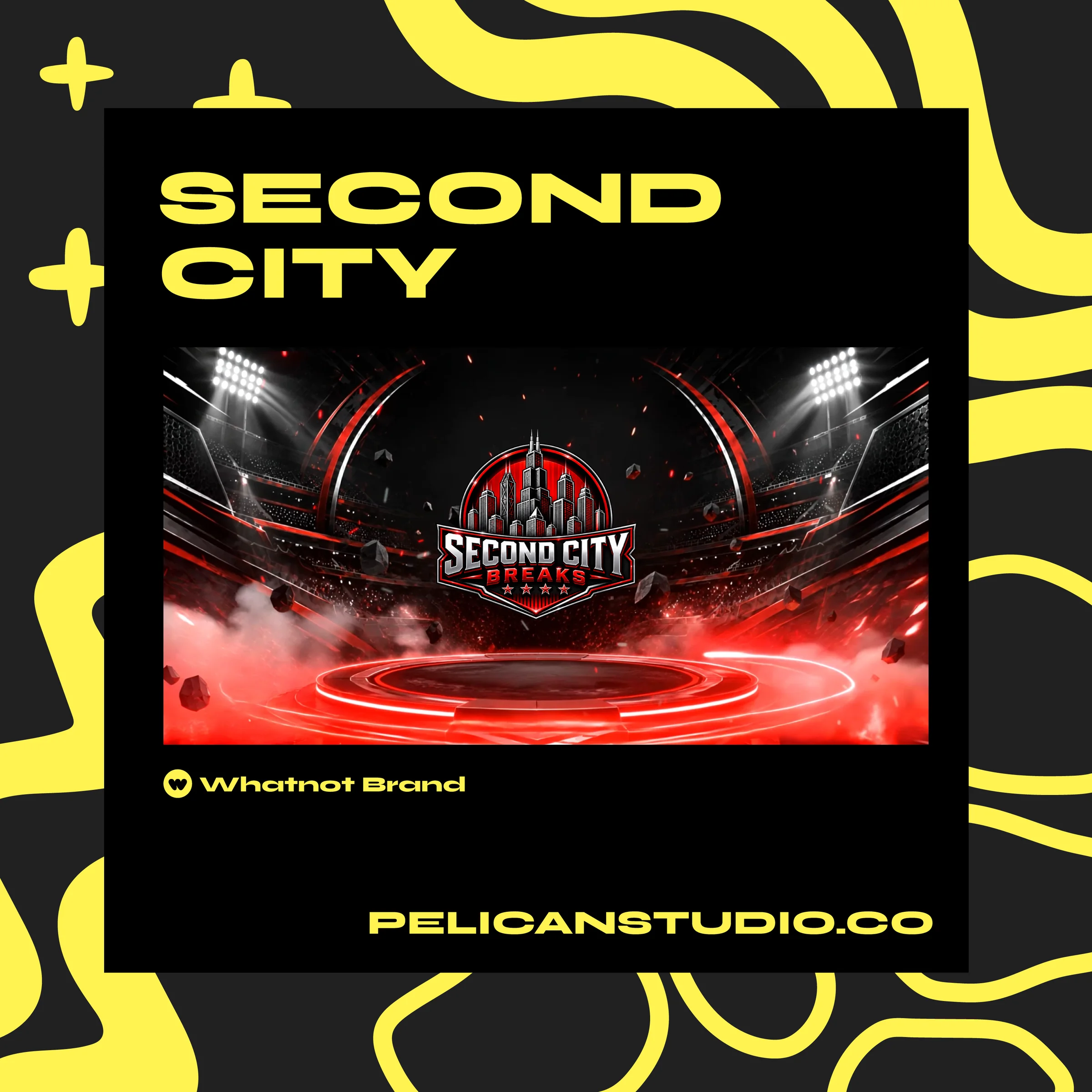
One kit across scenes reads as a real show.
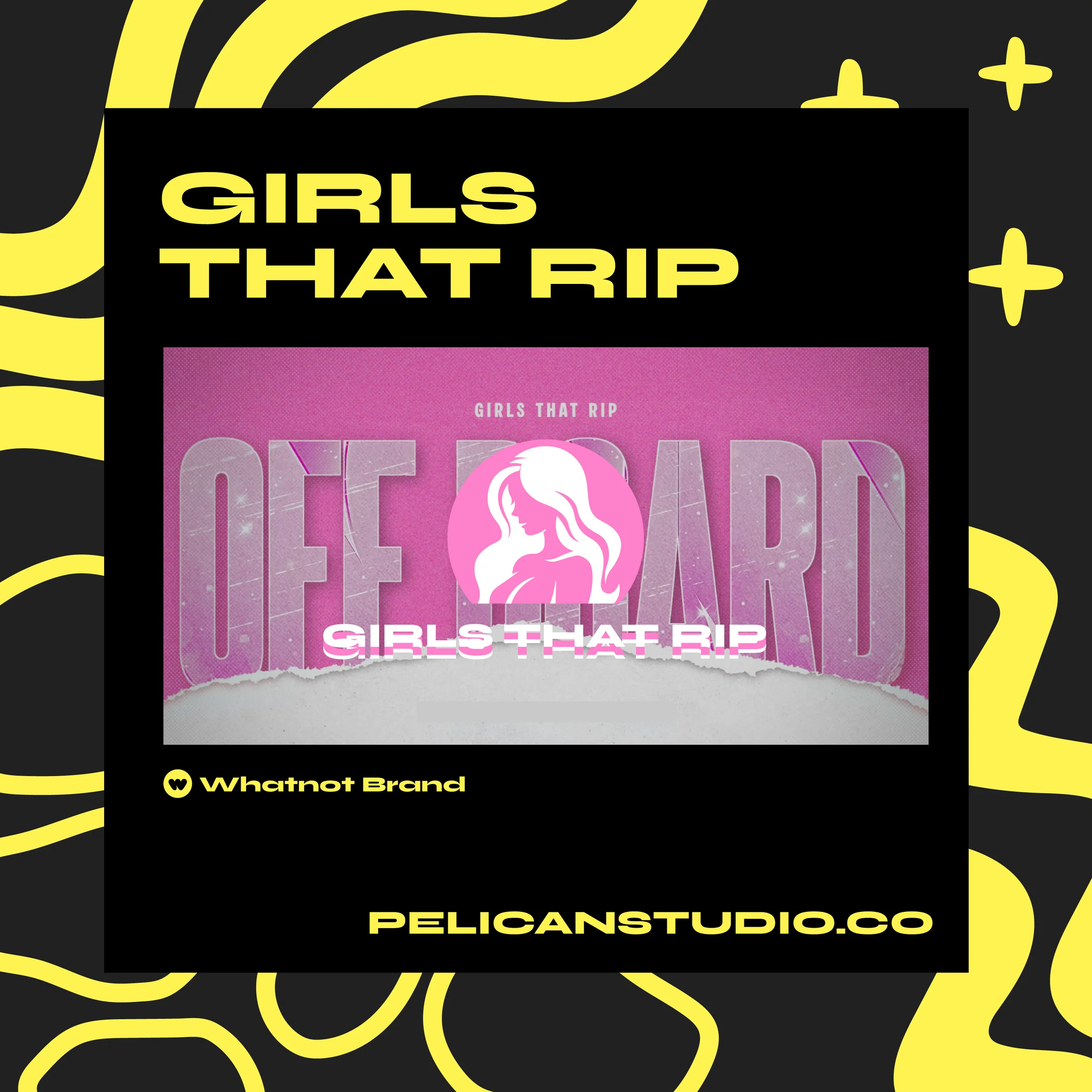
Cam and product share safe area, not a fight.
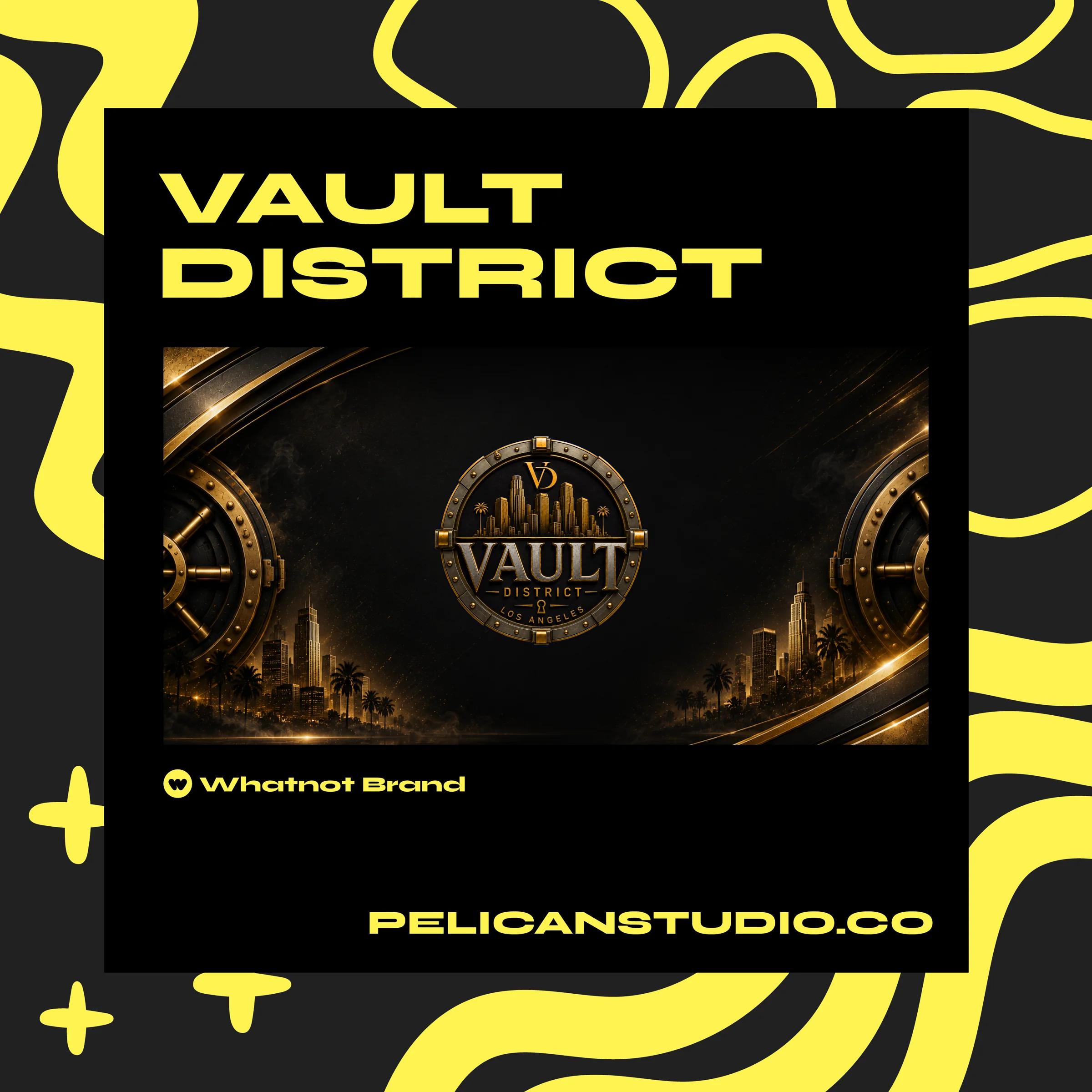
Clean stack beats a pile of random sources.
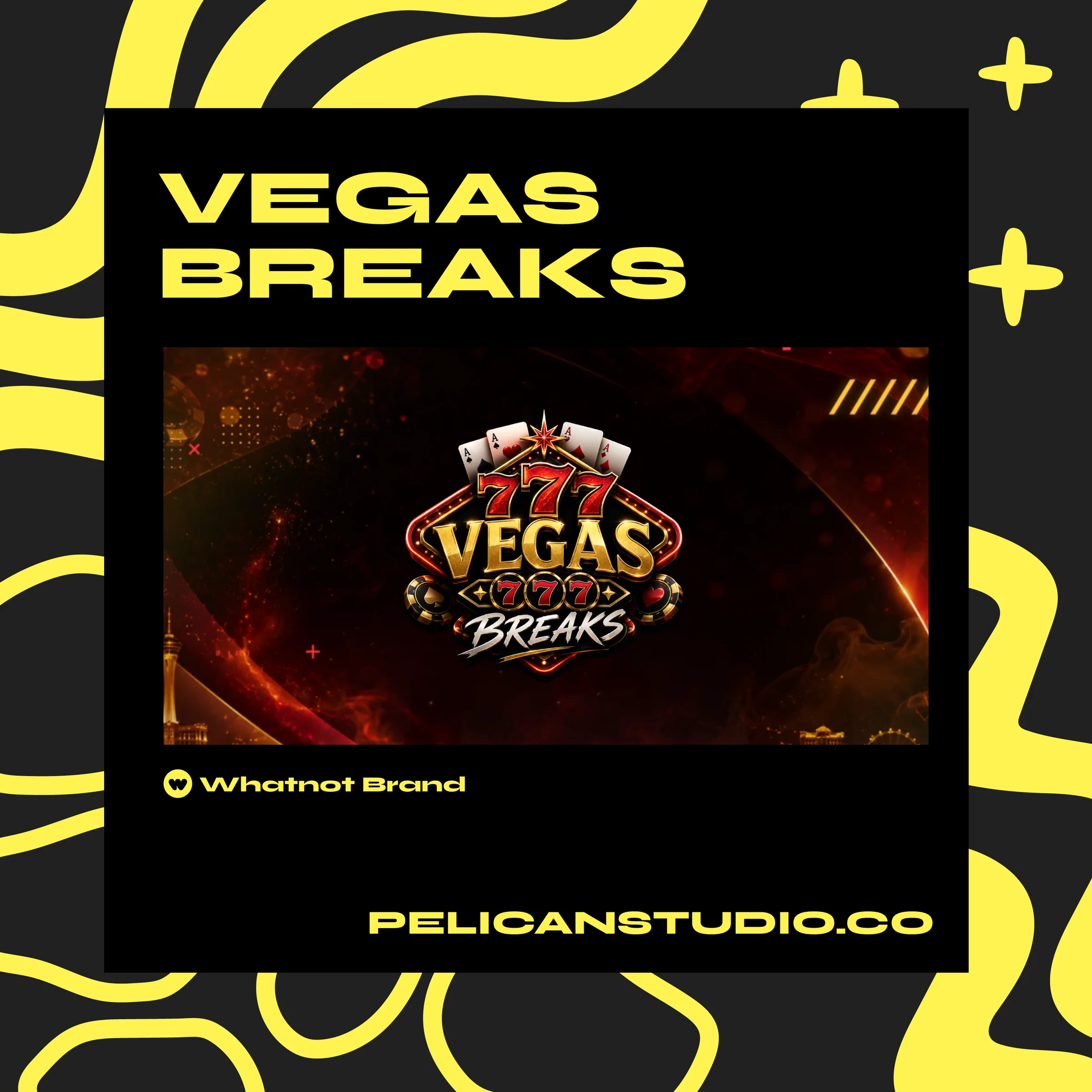
Break nights need board + overlay in the same OBS scene.
FAQ
- Will you teach WHIP tokens and Whatnot OBS login?
- No. Whatnot Help owns that. We design what you place on the canvas once you are connected.
- Can I use Pelican art with Overlay Deck widgets?
- Yes. Widgets and a brand kit do different jobs. Stack them carefully so neither covers the card.
- Do you ship a free OBS scene collection?
- No. Guides stay on the blog. Kits are custom. Free Audit if you want placement notes on your current setup.
Send a show link for a Free Audit, or talk on Discord if you already know the kit you need.